Recover all tweets automatically
How to See Deleted Tweets - Complete Guide
Published: May 24, 2026 · Updated: August 9, 2026
Have you ever wanted to see a deleted tweet? Whether it's your own deleted content or tweets from someone else's account, there are ways to view deleted Twitter posts using WebArchive.
This guide will show you exactly how to see deleted tweets, what methods work, and how to access tweets that are no longer visible on Twitter.
Can You See Deleted Tweets?
Yes, you can see deleted tweets if they were archived by WebArchive before being deleted. When a tweet is deleted from Twitter, it's removed from the platform, but if WebArchive crawled that tweet before deletion, a copy still exists in their archive.
This means you can see:
- Your own deleted tweets: tweets you posted and later deleted
- Deleted tweets from other users: public tweets that were deleted
- Suspended account tweets: tweets from accounts that have been suspended
- Old deleted tweets: historical tweets from years ago
- Deleted retweets: retweets that have been removed
- Deleted media tweets: tweets with images or videos that were deleted
Methods to See Deleted Tweets
Method 1: Automated Recovery Service
Our service automatically searches WebArchive to find and retrieve all deleted tweets for any username. This is the easiest and most comprehensive method.
Benefits:
- Automated search through billions of archived pages
- Finds all deleted tweets, not just individual ones
- Includes retweets and media files
- Organized package ready to view
- Free count check before committing
Method 2: Manual WebArchive Search
You can manually search WebArchive by visiting archive.org and entering specific tweet URLs. However, this only works if you know the exact tweet URL, and it's very time-consuming for multiple tweets.
Step-by-Step: See Deleted Tweets
- Enter username: type the Twitter @username you want to see deleted tweets for
- Search archive: our system searches WebArchive automatically
- View results: see how many deleted tweets are available
- Check count: review the number of tweets, retweets, and media found
- Access tweets: get the complete archive to see all deleted tweets
Seeing Specific Types of Deleted Tweets
See Your Own Deleted Tweets
To see your own deleted tweets, simply enter your Twitter username. Our service will find all archived versions of your tweets, including ones you've deleted.
See Deleted Tweets from Suspended Accounts
When an account is suspended, all tweets become invisible on Twitter. However, if those tweets were archived by WebArchive before suspension, you can still see them using our service.
See Old Deleted Tweets
WebArchive has been archiving Twitter for years, so you can see deleted tweets from years ago. Older tweets are more likely to have been archived before deletion.
What You Can See
When viewing deleted tweets through WebArchive, you can see:
- Full tweet text: complete content of deleted tweets
- Timestamps: when the tweet was originally posted
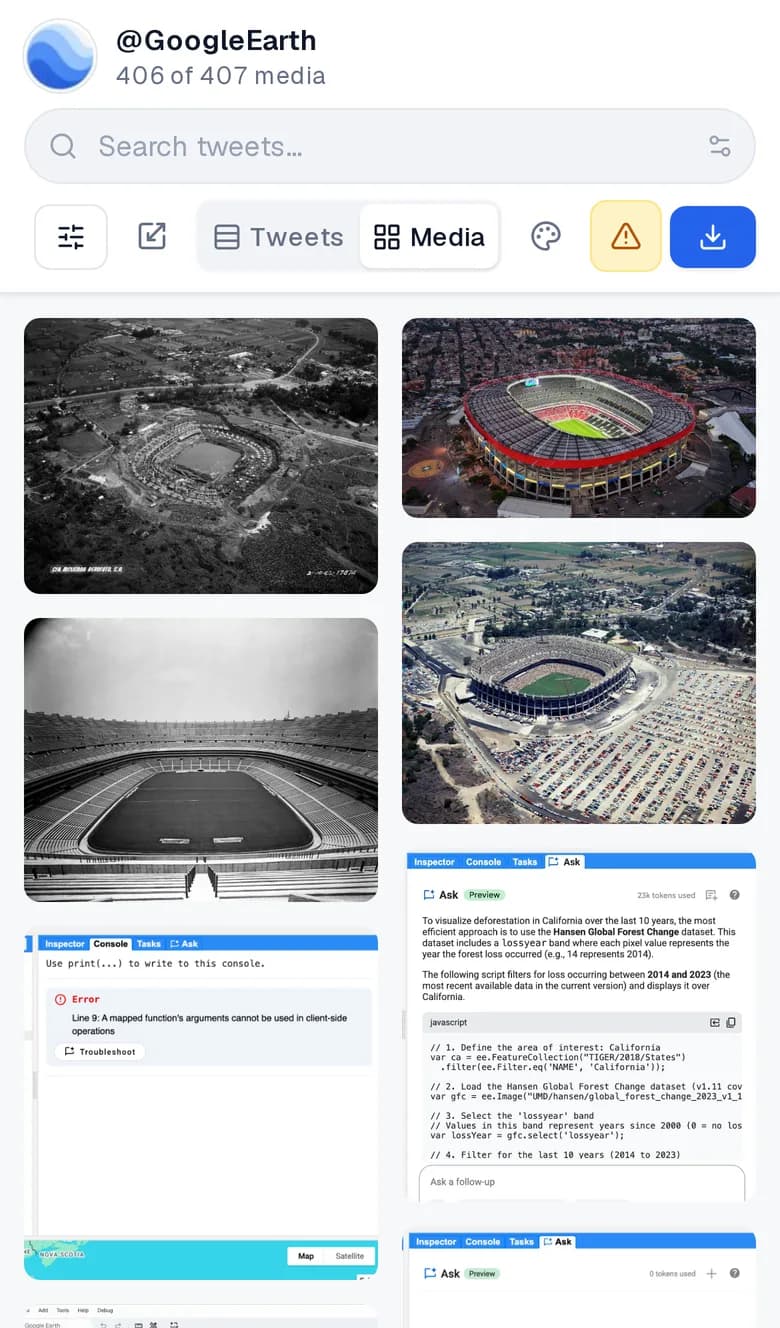
- Media: images and videos attached to deleted tweets
- Retweets: deleted retweets with original content
- Metadata: additional information about the tweet

Limitations
While you can see many deleted tweets, there are some limitations:
- Only tweets archived before deletion can be viewed
- Very recent deletions may not be archived yet
- Private account tweets cannot be viewed
- Not all tweets are archived by WebArchive
- Some media may not be fully preserved
Why Use Our Service to See Deleted Tweets?
Seeing deleted tweets manually can take hours. Our automated service:
- Searches billions of archived pages automatically
- Finds all available deleted tweets for any username
- Shows tweets, retweets, and media files
- Organizes everything for easy viewing
- Saves you hours of manual searching
- Provides a free count check first
For a complete walkthrough of how the Wayback Machine archives tweets and what to realistically expect, see our guide on recovering deleted tweets from the Wayback Machine. If you're specifically trying to recover your own tweets, see how to recover your own deleted tweets.
Frequently Asked Questions
Can I see deleted tweets for free?
Yes. You can check how many deleted tweets are available for any username for free. This lets you see what’s available before committing to a download.
How long does it take to see deleted tweets?
Our automated service typically finds deleted tweets within minutes, compared to hours or days of manual searching through WebArchive snapshots.
Can I see deleted tweets from any account?
You can see deleted tweets from any public Twitter account, as long as those tweets were archived by WebArchive before being deleted.
See Deleted Tweets Now
Use our service to see all deleted tweets available for any username.
Recover my tweets (images and videos included)